ARM64 CPU Guide: Everything You Need to Know
ARM64 processors are revolutionizing the computing world. From smartphones to laptops, these efficient chips are changing how we think about performance and battery life. Here's everything you need to know about ARM64 architecture.
What is ARM64?
ARM64, also known as AArch64, is a 64-bit processor architecture developed by ARM Holdings. Unlike traditional x86 processors from Intel and AMD, ARM64 chips are designed with a focus on energy efficiency while maintaining high performance.
The "64" refers to the processor's ability to handle 64-bit instructions and memory addresses, allowing for better performance and the ability to use more than 4GB of RAM effectively.
Energy Efficient
Lower power consumption for longer battery life
Built-in Security
Hardware-level security features
Mobile Optimized
Designed for mobile and embedded devices
Scalable Performance
From smartphones to high-end laptops
Advantages of ARM64 Processors
Exceptional Battery Life
ARM64 devices can run 15-20 hours on a single charge
Cool and Quiet Operation
Less heat generation means quieter fans or fanless designs
Instant Wake
Wake from sleep instantly like a smartphone
Integrated Graphics
Powerful built-in graphics for most tasks
Software Compatibility
Some x86 software may not run natively
Gaming Limitations
Limited support for high-end gaming
Professional Software
Some professional tools still need optimization
Upgrade Limitations
Often integrated, limiting upgrade options
Popular ARM64 Devices
Apple's transition to ARM64 has been highly successful, offering exceptional performance and battery life. The M-series chips have set new standards for laptop performance.
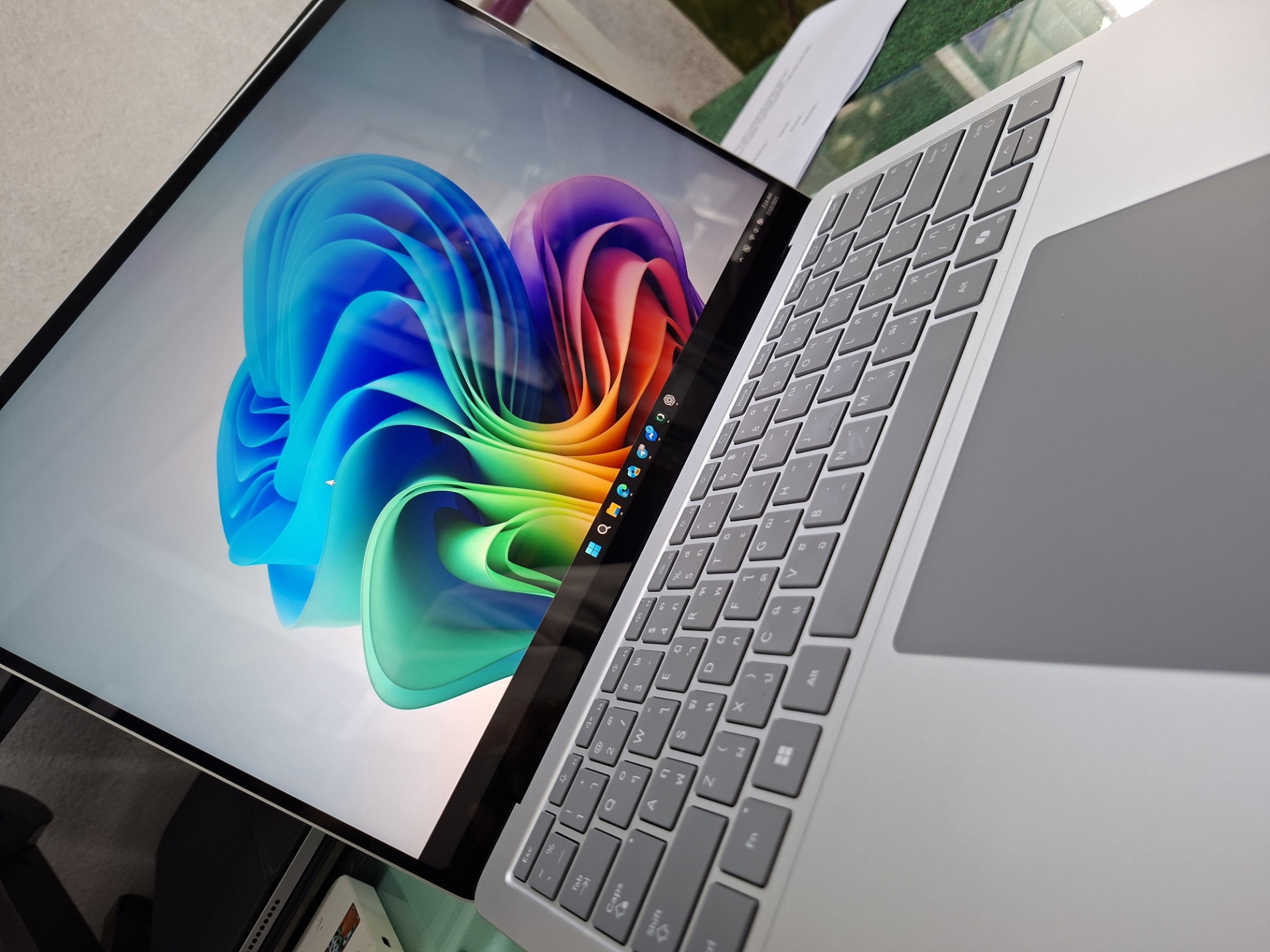
Microsoft's Windows 11 runs natively on ARM64, with improving app compatibility and performance. Qualcomm Snapdragon processors power these devices.
Most modern smartphones and tablets use ARM64 processors, including Apple's A-series and Qualcomm's Snapdragon chips.
Software Compatibility Guide
💡 Pro Tip for Software Selection
When choosing software for ARM64 devices, always check if there's a native ARM64 version available. Native apps will run faster and use less battery than emulated x86 applications.
• Microsoft Office
• Adobe Creative Suite
• Google Chrome
• Zoom
• Spotify
• Most web browsers
• Older Windows software
• Some games
• Legacy applications
• Specialized tools
• Some development tools
• Some antivirus software
• Certain drivers
• Very old applications
• Some enterprise software
• Hardware-specific tools
Should You Choose ARM64?
• Students and general users
• Content creators (video, photo editing)
• Business professionals
• Web developers
• Users who prioritize battery life
• Those who want quiet, cool devices
• You're a serious gamer
• You use specialized software
• You need maximum upgradeability
• You rely on legacy applications
• You need specific hardware compatibility
• You're in enterprise environments
Conclusion
ARM64 processors represent the future of computing, offering exceptional efficiency and performance for most users. While there are still some compatibility considerations, the benefits often outweigh the limitations for everyday computing tasks.
As software developers continue to optimize their applications for ARM64, we can expect even better performance and compatibility in the coming years. The transition is well underway, and ARM64 devices are becoming increasingly capable and versatile.
Need Help Choosing the Right Device?
Our team at KNL Mobile can help you choose the perfect ARM64 device for your needs. We provide expert consultation and support for all your tech decisions.
Contact Our ExpertsRelated Articles
Download Our Free Tech Tools
Get access to our collection of professional software tools and repair guides.
Visit Download Center